
To get starter roles, first you need to verify if you haven't verified yet, to gain access to the server, after search up channel named "reaction roles" in "Important" category, if you didn't find it then try searching it in other category, and when you found the channel, press it, and here you go, you will see reaction roles.

To contact with staff you need to use one of these ways below:
1. ping staff member to ask a question (you can be warned for pointless questions, it's called random ping (pinging with no reason)) by the way, recommended to ping online staff: they will answer faster!
2. find channel named tickets, it must be located in the "Important" category the same as reaction roles, and there you go, you can create ticket to contact with staff.
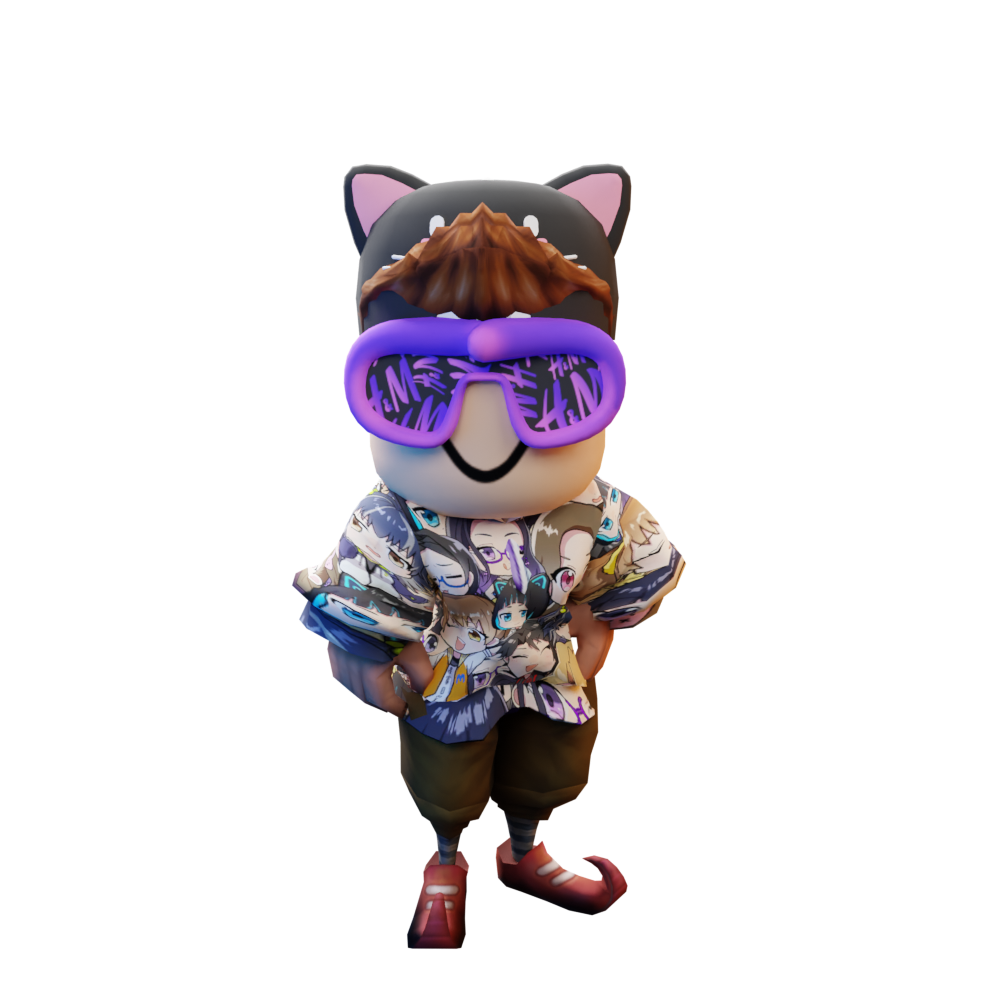
To get our shirt you need to use one of these links to travel:
Classic shirt - https://www.roblox.com/catalog/17512723620/Corus-Kids-shirt-NEW
Summer shirt - https://www.roblox.com/catalog/17876744269/Shirt
To become staff, you need to wait until staff applications are opened, to make sure they're opened/check if they're open, you need to first go to category named "Important" and below this category you should find applications channel (applications channel should be in "Important category, if you can't see it or you didn't find it then there can be two reasons, first reason is that applications are closed, second reason is maybe applications channel is located in other category.) when you found the channel, click it, to open channel, after it you can find there staff application and other applications.